 Equals
The converter that shows its work.
468 units and 131 currencies, with the formula behind every answer. Fast, private, and free of clutter.
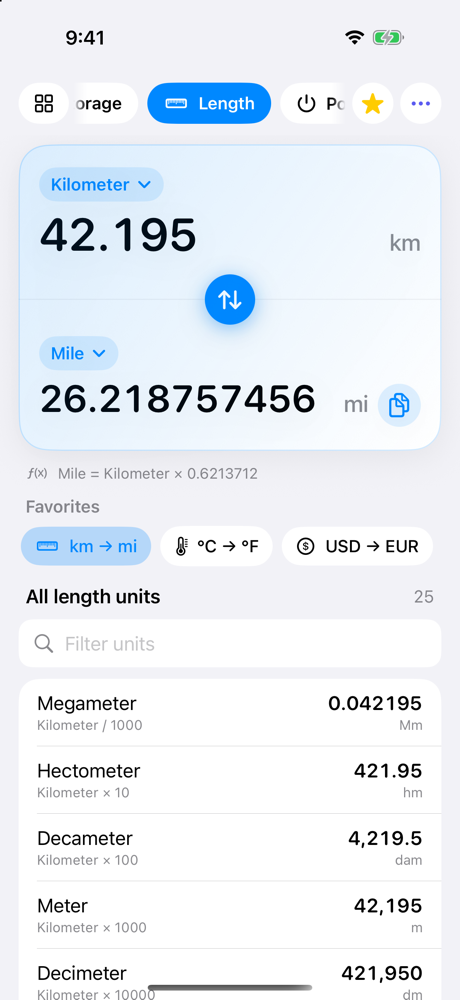
Everything you convert, in one calm screen.
Type a value, and the answer is there. Edit either side and the other follows.
See the math
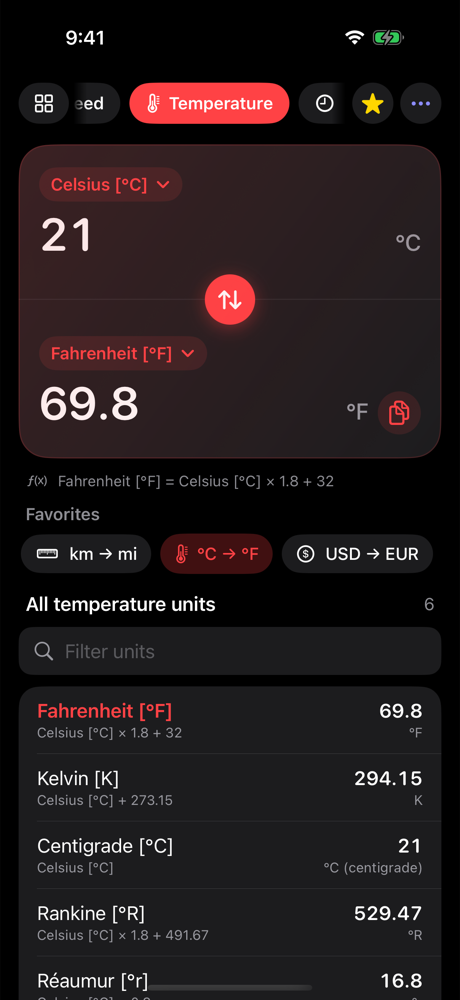
Every result shows its formula, like °F = °C × 1.8 + 32. Trust it, learn it, check your homework.
Math in the field
Type 3×12.5 or (40+2)÷3 right where the number goes. No calculator detour.
Favorites
Save the pairs you use most, like km → mi or USD → EUR, and jump back in one tap.
All units at once
See your value in every unit of the category, live, right under the result. Filter as you type.
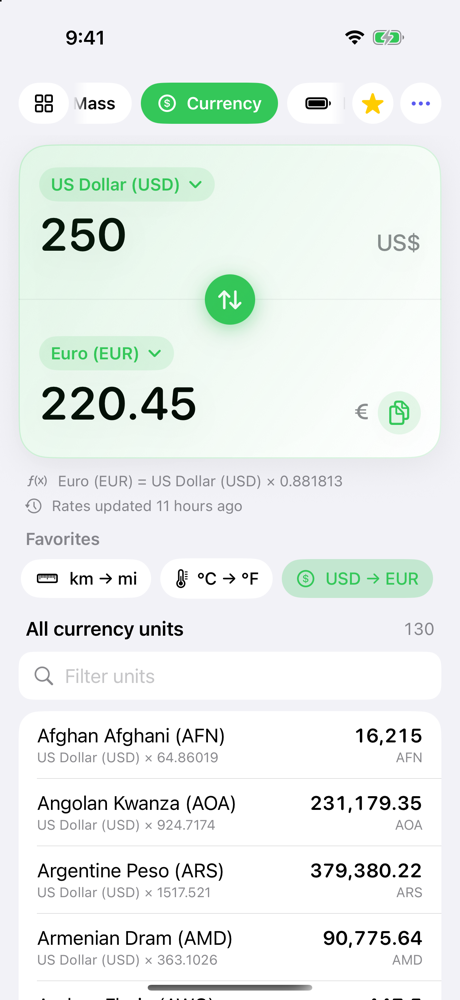
131 currencies
Daily exchange rates that update in the background. Works offline with your last rates.
Feels at home
Dark Mode, Dynamic Type, VoiceOver, haptics, and a layout that works on iPhone, iPad and Mac.
Small app. Big coverage.
From cups to milliliters to parsecs.
Questions
Something else? Get in touch.
How do I do math in the field?
Tap a value and use the + − × ÷ keys above the keyboard, for example 3×12.5. On Mac, just type it. The result converts as you type, and Done (or Return) replaces the expression with its result.
How fresh are the exchange rates?
Rates update once a day in the background, and the line under the result shows when. Offline, Equals uses your last downloaded rates, or built-in approximate rates if none were ever downloaded.
How do favorites work?
Tap the star to save the current pair. Favorites appear under the result on iPhone and in the sidebar on Mac. Touch and hold (or right-click) one to remove it.
Why does a result differ slightly from another app?
Some constants are rounded differently between sources (fuel efficiency, for example). The formula under every result shows exactly what Equals uses.
Which devices are supported?
iPhone and iPad with iOS 15 or later, and Mac with macOS 12 or later.
Convert anything. Understand everything.
Available for iPhone, iPad and Mac.